
Have you ever noticed the small “i” icon next to steps in Power Query?
It’s not just decoration 🙂
That icon appears when you add a description to a step in the Properties panel.
It’s a tiny detail, but it can completely change how understandable your query is, both for you and for anyone else who might open it later.

Example:
For a Replaced Value step, you could add a description like:
Replace wrong date format with with the correct one
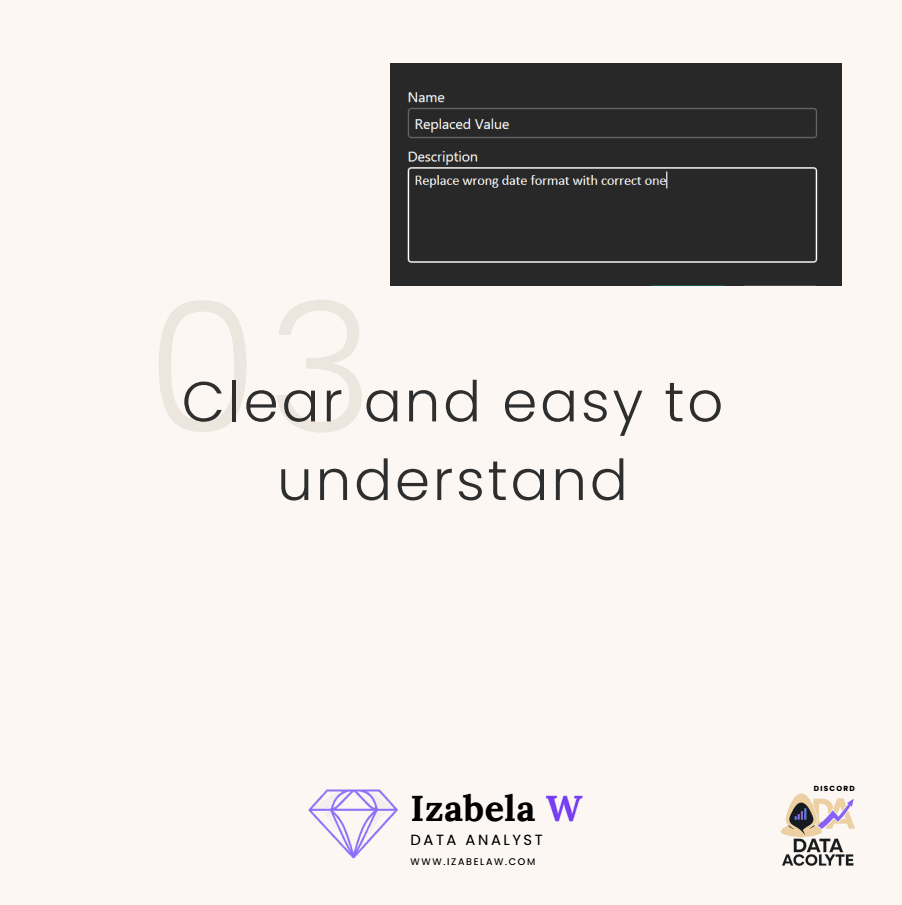
With one short sentence, it’s immediately clear why that step exists.
In addition to step descriptions, you can also add comments directly in M code:
// single-line comment
/* multi-line
   comment */
After taking over projects created by other people, I really started to appreciate how valuable this is.
Now I always make sure my steps are clear, readable, and easy to follow — not only for my future self, but also for the next analyst who might work on the file.
It may seem like a small thing, but it makes collaboration and long-term maintenance much easier 🚀